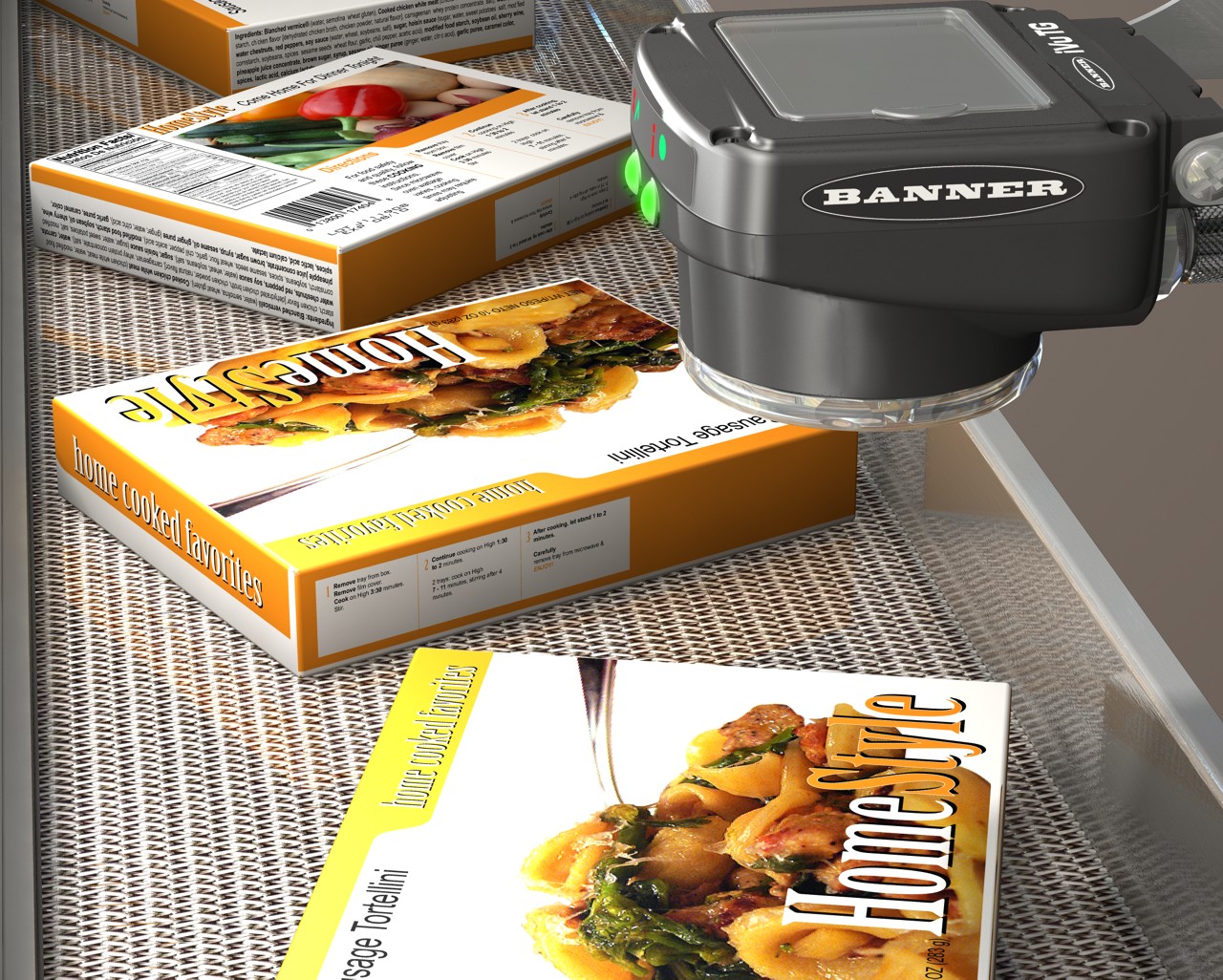
End-of-Mail Indication
To detect this mark, use an iVu Series sensor configured for a Match inspection. The sensor detects the end-of-bundle mark, and signals the bundling machine to wrap the finished group.
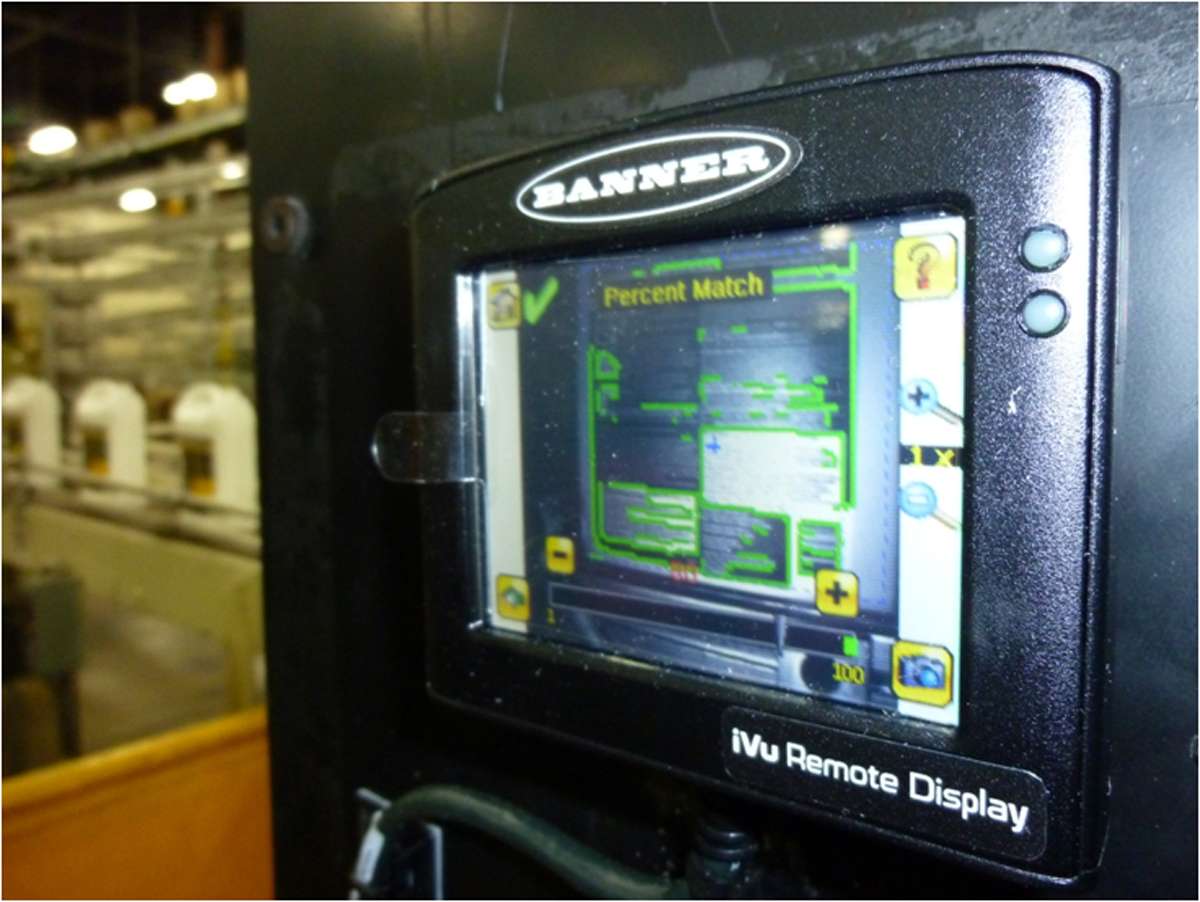
The iVu and iVu Color Image Sensors are used to monitor parts for type, size, orientation, shape, location, and color or color variations. The device can be set up and monitored using an integrated or remote touchscreen or with a PC. The following features are available:
Vision Sensor: iVu Series
To detect this mark, use an iVu Series sensor configured for a Match inspection. The sensor detects the end-of-bundle mark, and signals the bundling machine to wrap the finished group.
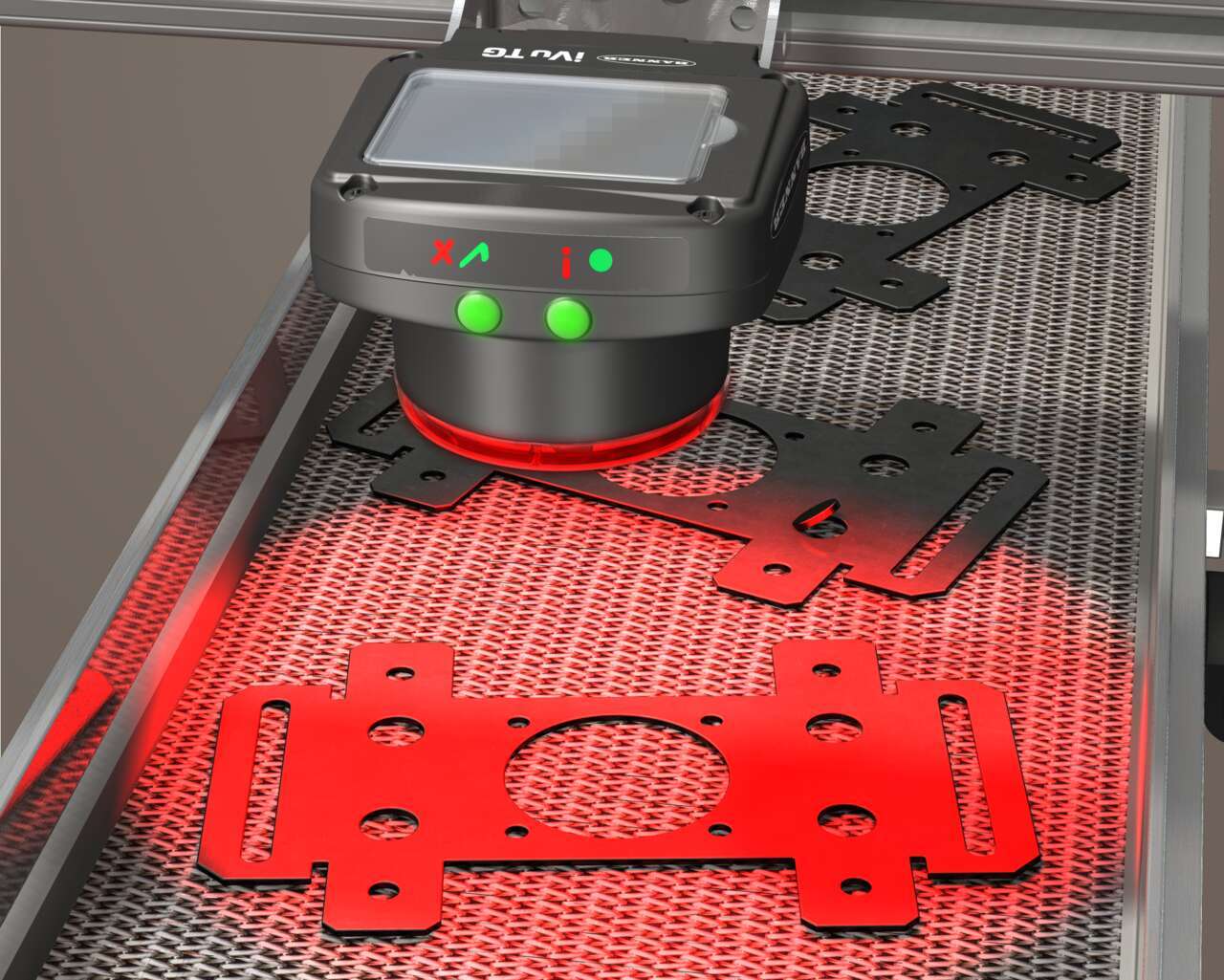
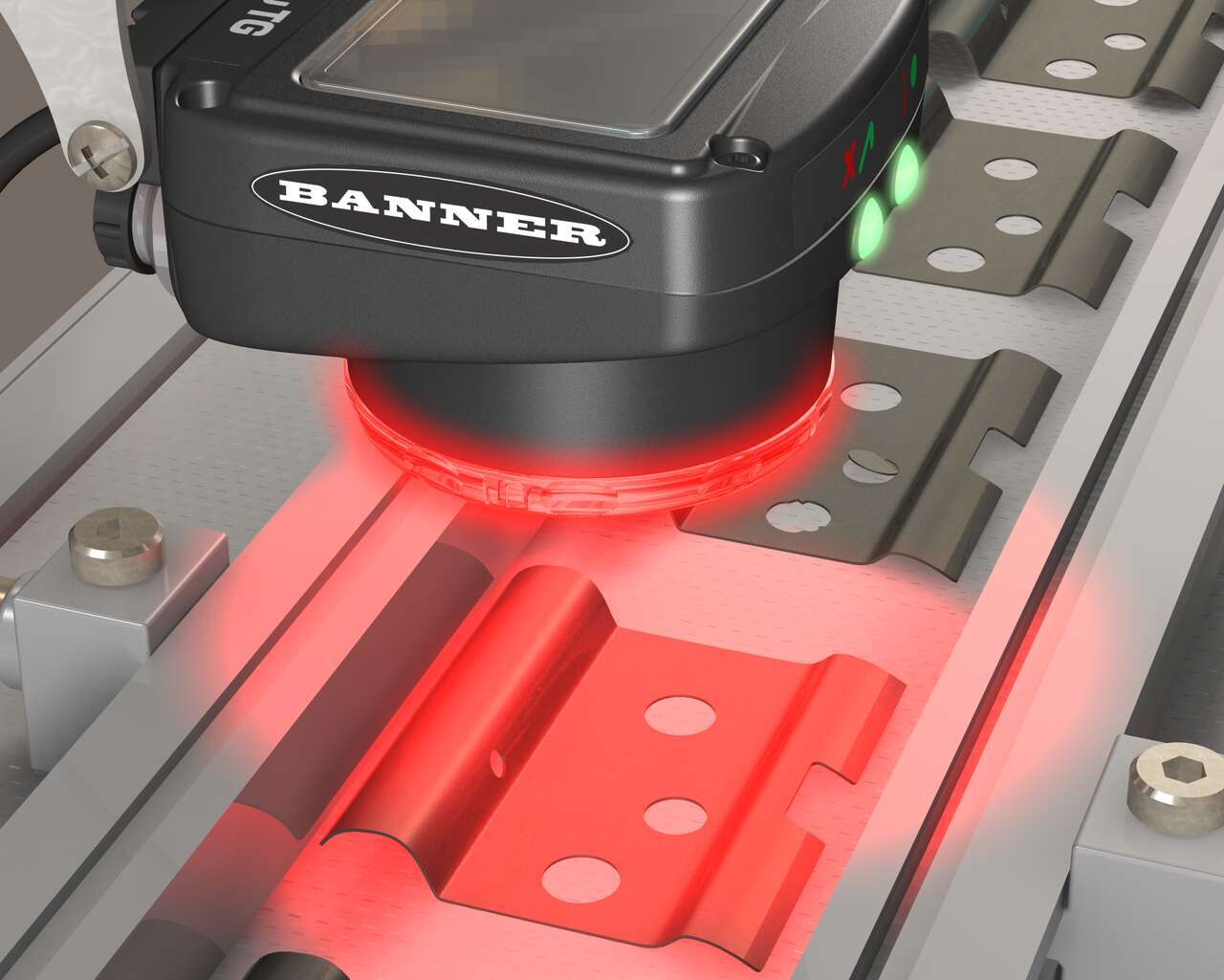
This application uses an iVu Series sensor configured for an Area inspection. When holes are punched, the sensor evaluates all the holes to make sure that they are present and correctly sized. If any are not, the sensor sends a fail output to the line where the part is rejected.
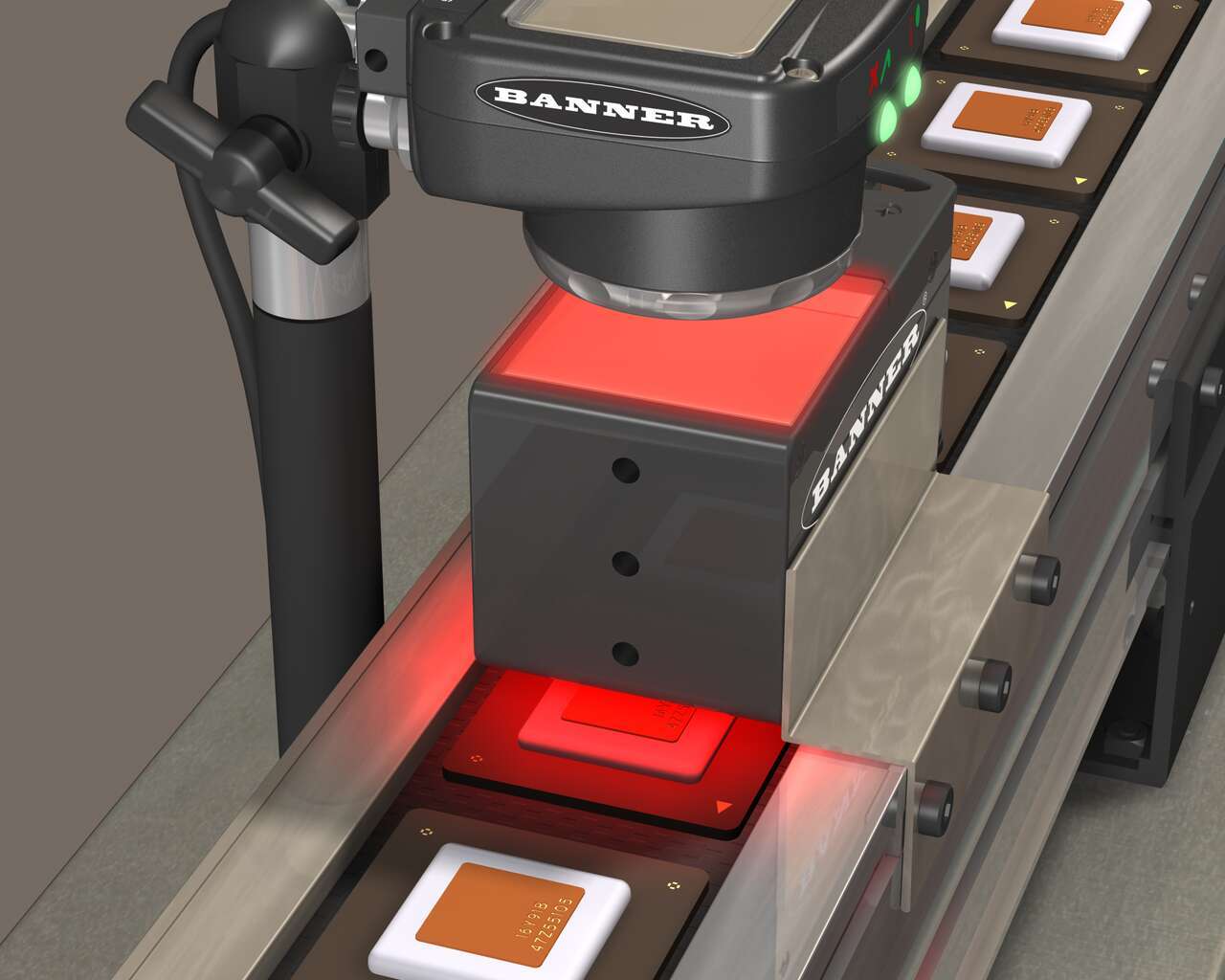
The solution uses an iVu Series sensor configured for a Match inspection. A reference "good" identifier is taught into the sensor. In service on the production line, the sensor detects when a component does not have the correct identifier, and sends a fail output to the line, and the part is rejected.
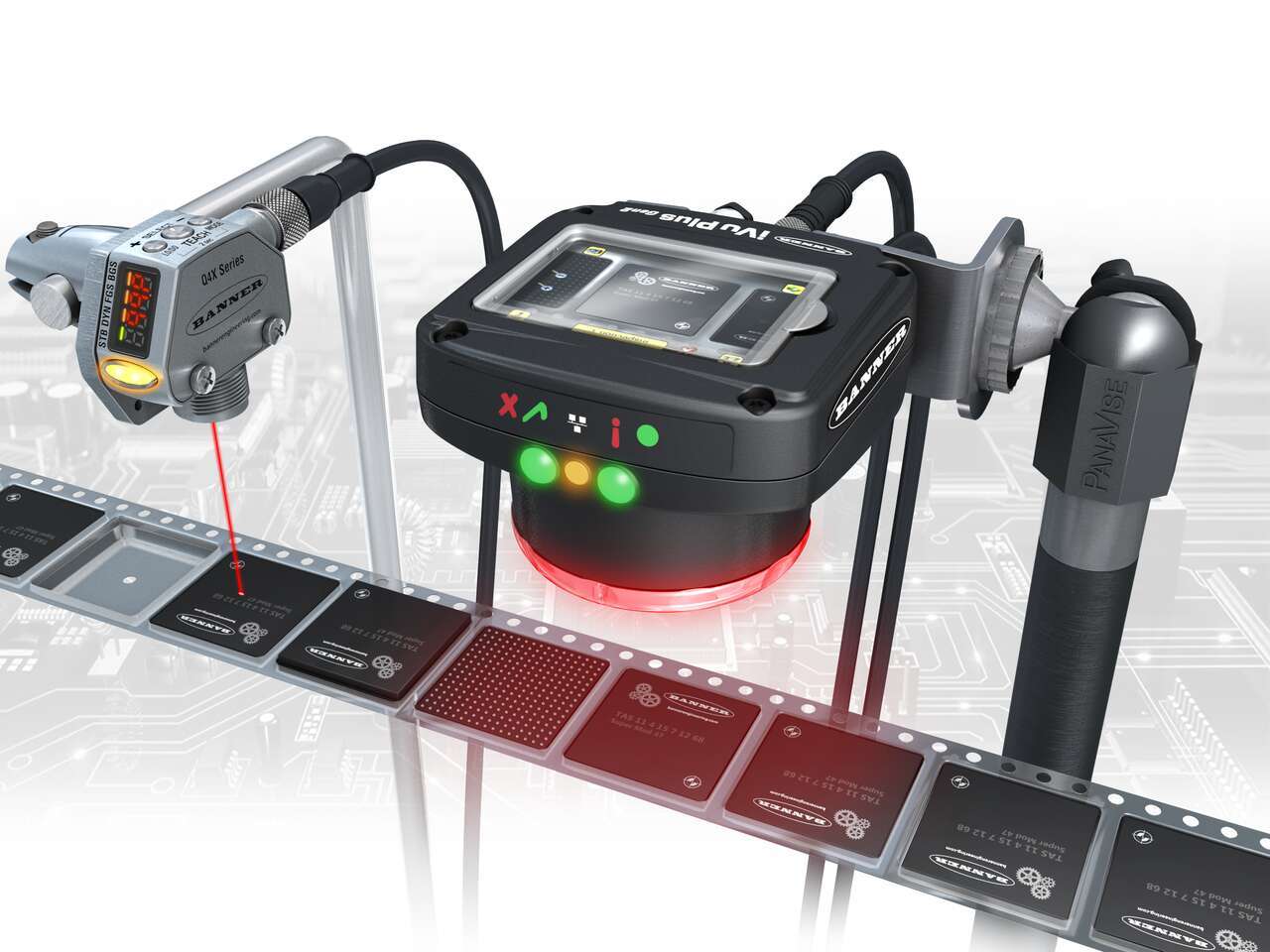
• Confirm presence and orientation of IC chips</br> • Sensor performs multiple functions at once</br> • Cost savings and versatility</br>
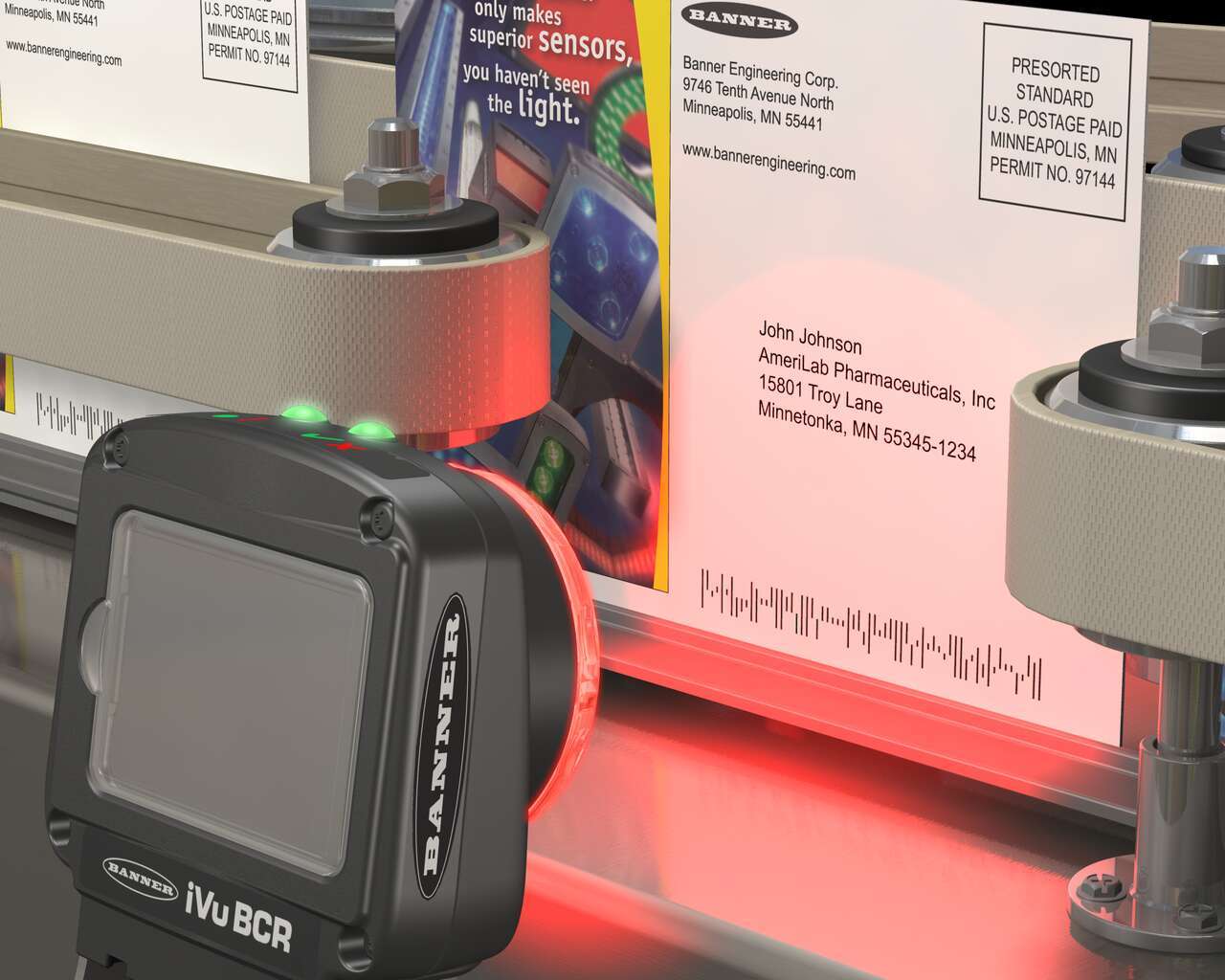
The iVu BCR is used in many mail applications to help direct mailers from multiple smaller runs as they are combined into larger ones.
• Confirm presence and orientation of IC chips</br> • Sensor performs multiple functions at once</br> • Cost savings and versatility</br>
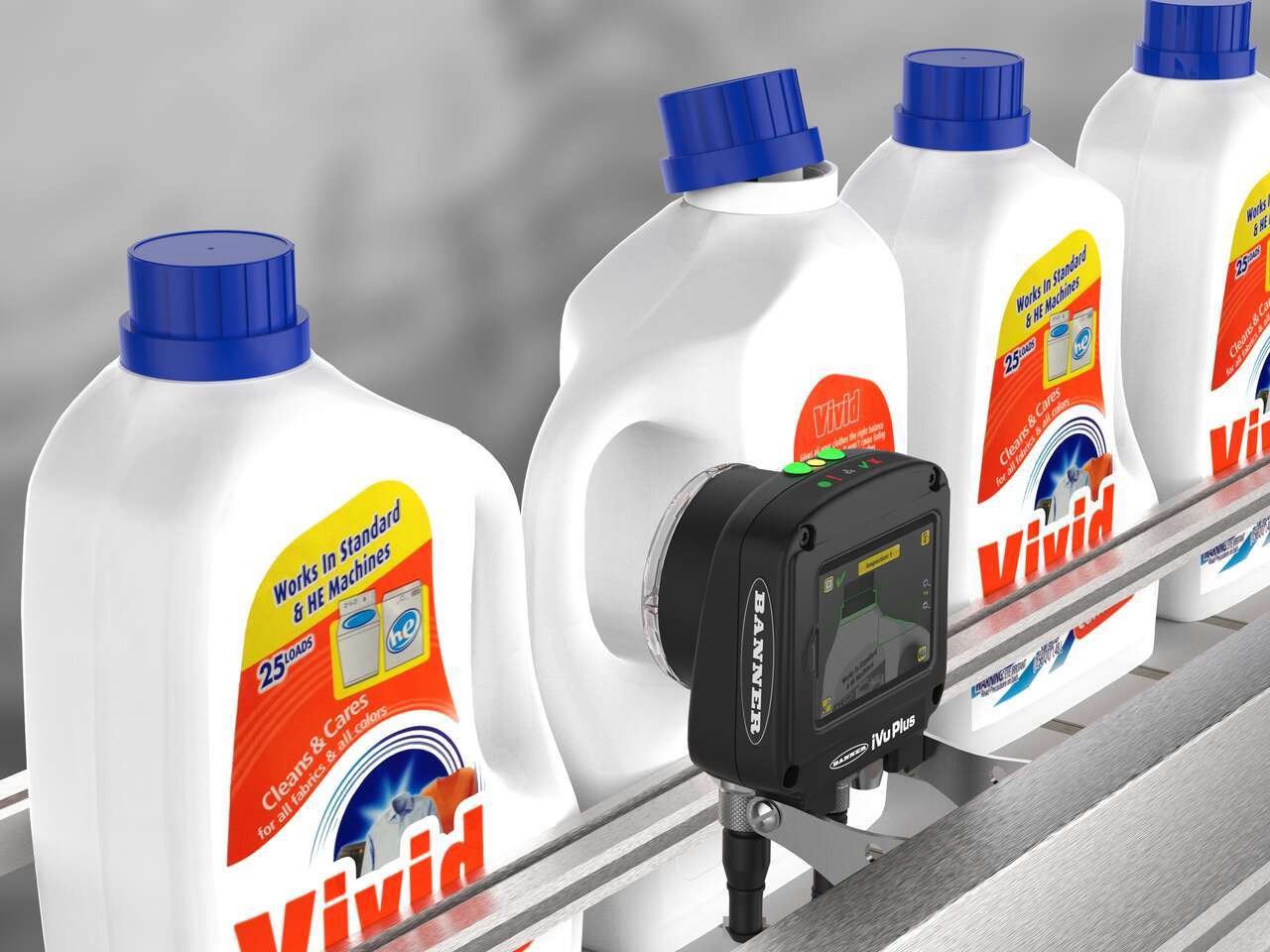
The company was experiencing several quality control issues—bottles were coming off the line with missing, skewed and double labels. As a result, the customer was scrapping over 2,000 bottles a month, a process which requires them to cut out the mislabeled portion of the bottles and re-grind the plastic for reuse. Further, the labeling errors began prompting serious customer complaints. To avoid scrapping additional bottles and losing loyal customers, the company came to Banner for a label inspection solution.
Bottles incorrectly packed into bliss trays for sale in club stores did not properly display product labels and had to be returned to the company.
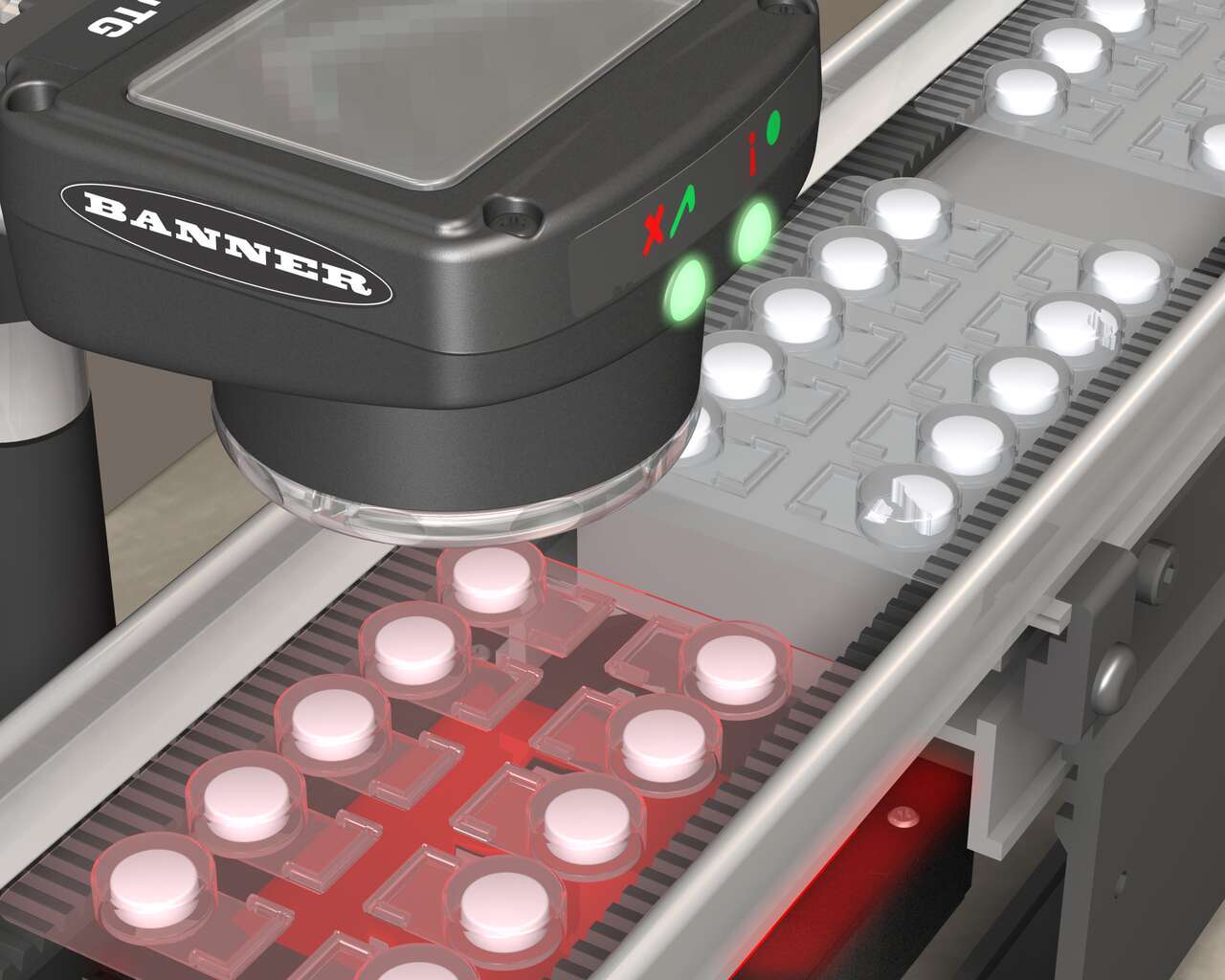
To verify each blister in the pack, use an iVu Series sensor configured for an Area inspection. The sensor inspects each blister pack to make sure that each blister contains an unbroken tablet.
To verify that the expected number of holes exist on a small metal part that is not rigidly fixed, use an iVu Series sensor configured for an Area with Motion application. When holes are punched, the sensor evaluates all the holes to make sure that they are present and correctly sized. If any are not, the sensor sends a fail output to the line where the part is rejected.
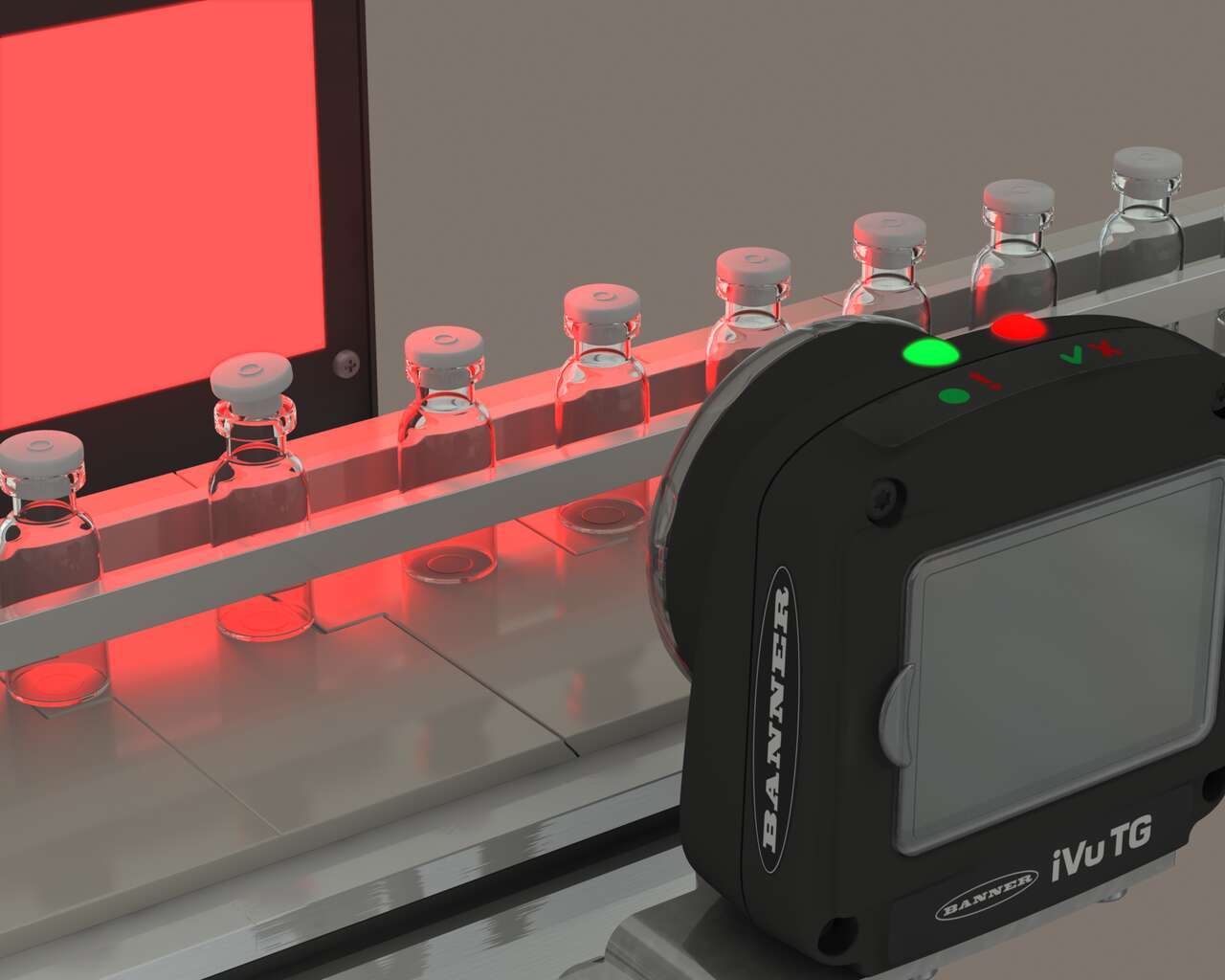
To ensure that a stopper is properly inserted as each vial leaves the filling station, an iVu Series sensor—set up for an Area with Motion application—verifies that the vial has a stopper inserted into its neck and that the stopper is positioned correctly to provide a proper seal on the glass vial. If the stopper is missing or incorrectly positioned, then the sensor sends a fail output to the line.
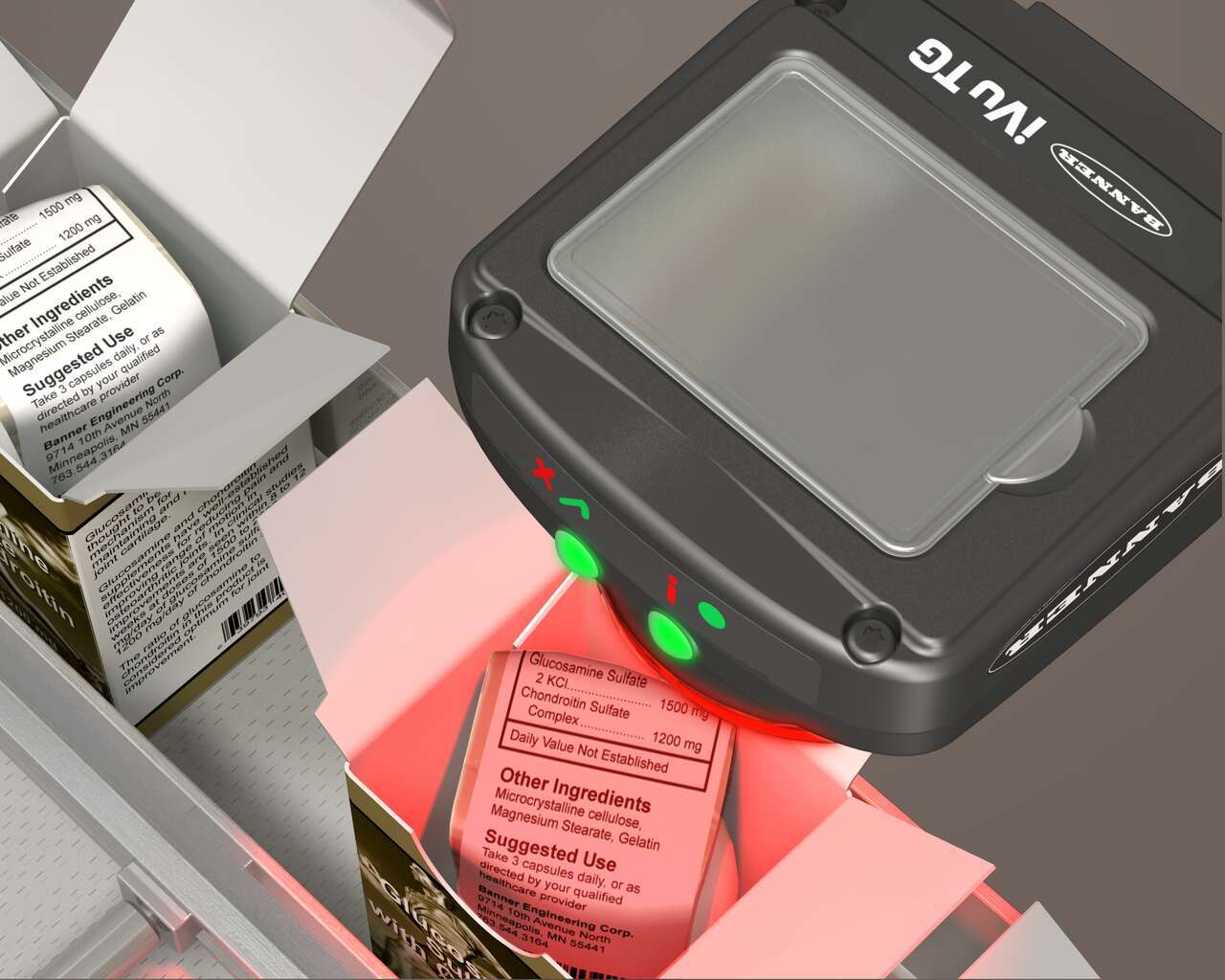
To confirm that each unit includes a product information insert, an iVu Series sensor is mounted above the packaging line. The sensor is configured for a Match inspection, and checks that the product information leaflet is inserted into each package of medication. The leaflet can be placed in any orientation, but must beface up.The sensor can detect 360 degrees of rotation to find the insert.
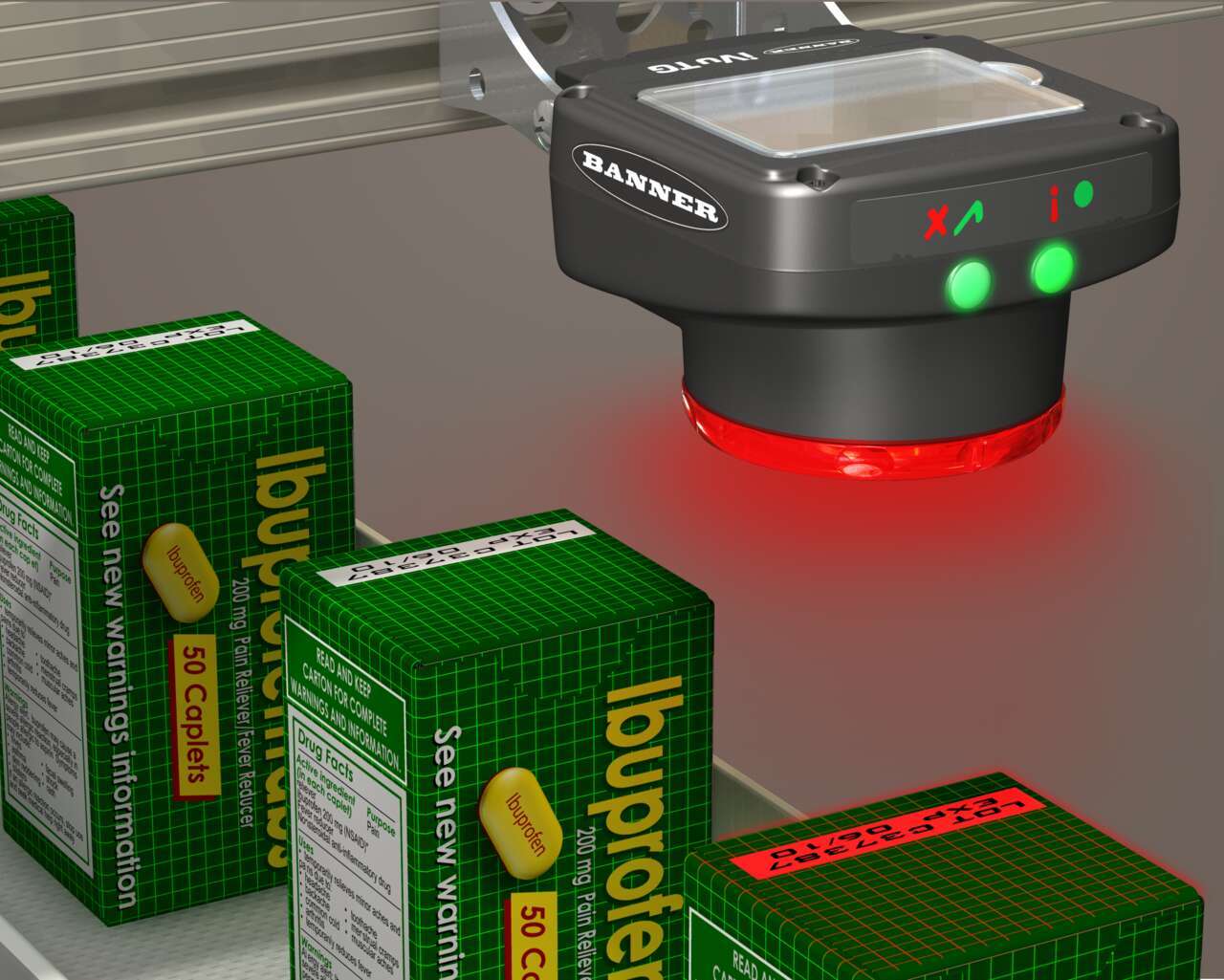
To verify each package has a date/lot code printed on it, an iVu Series sensor is configured for a Match inspection. An image of the date/lot code is captured. When the inspection is running, if the sensor detects a package without the date/lot code the sensor sends a fail output to the line, and the product is rejected.
To verify each box is correct, an iVu Series sensor is configured for a Match inspection with 360 degree rotation enabled. An image of the correct box is captured and when the inspection is running, if the sensor detects an incorrect box, the sensor sends a fail output to the line, and the product is rejected.
We noticed you didn’t finish your online checkout. We're dedicated to providing the best shopping experience possible and would love to hear if you faced any challenges. Let us know how we can make your experience even better.
iVu Series vision sensors combine the simplicity of a photoelectric sensor with the intelligence of a smart camera. They can be used to monitor parts for type, size, orientation, shape, location, and color or color variations.
Watch the video to see the iVu vision sensor and TL50 Pro tower light in action.
This tutorial video provides an overview of Banner's iVu Plus TG display and provides instructions regarding the user interface.
This tutorial is intended to help you set-up and monitor an inspection with more than one sensor. Multisensor inspection is possible if you download the latest Firmware software.
Arrange column order by dragging and dropping the column header left/right with your mouse.
Sort items in a column by ascending values by clicking the table header once. Click a second time to sort by descending order. Click a third time to remove the sorting for that column.
Shift-click additional column headers to sort by multiple attributes. The first column you sort becomes the primary sort, and each Shift-clicked column adds a secondary level of sorting.
Our application engineers are here to help with expert guidance and support. Send us your inquiry, and we’ll get back to you as soon as possible. We’re here to make sure you get the answers you need.